
Classroom 60x: Access the Best Unblocked Games for School Networks
Imagine sitting in class, bored, staring at the clock. Your teacher assigns a quiz, but it’s the same old style. What if learning could be fun and exciting, right on your school computer? That’s where Classroom 60x comes in. It’s an online hub where you can play unblocked games safely during free time or even as part of interactive lessons.
The best part? These aren’t just random games. They’re designed to challenge your brain, improve focus, and keep you engaged. From strategy games to fast-paced shooters and fun quizzes, Classroom 60x brings a whole new level of learning and fun.
What Is Classroom 60x and Why It Matters
Classroom 60x is a platform where students can access unblocked games, meaning games that normally get blocked on school networks are playable here. Many schools block gaming sites to keep students focused. But Classroom 60x is special. Its games are educational, interactive, and safe.
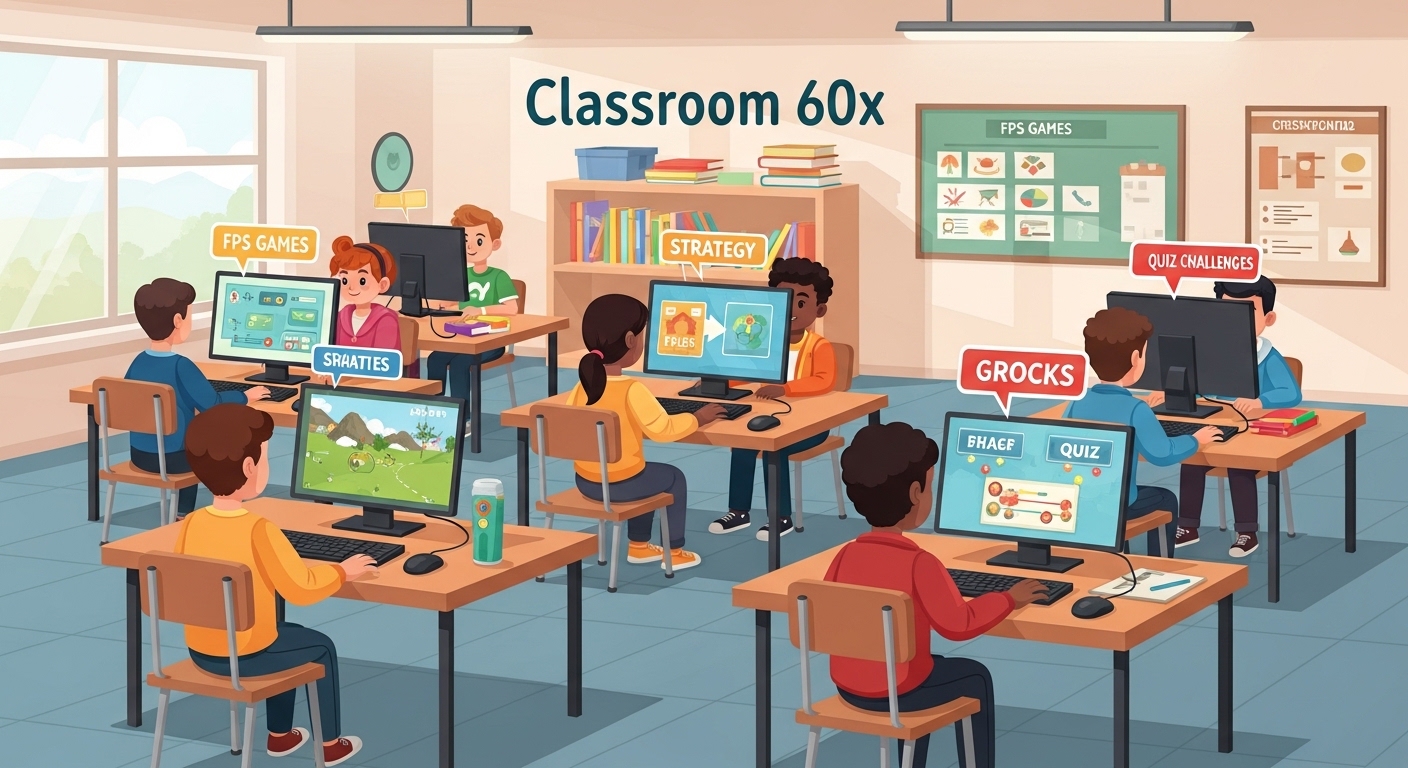
The site hosts games in different categories. FPS (First-Person Shooter) games let you complete missions. Strategy games make you think ahead and plan carefully. And digital quizzes turn boring lessons into competitions with points and rewards. This mix keeps the brain active while you play.
Why does this matter? Because not all screen time is equal. When you play games that challenge your thinking, your brain actually grows. Kids who play strategy games often improve problem-solving skills. Quizzes can help you remember facts faster. Classroom 60x isn’t just fun—it’s brain training in disguise.
Types of Games You Can Play
1. FPS Assault Shooter Games
These are action-packed games where you play missions in first-person view. You see the world through your character’s eyes. You might have to dodge obstacles, hit targets, or complete objectives.
Playing FPS games helps you react faster and improves hand-eye coordination. Many Classroom 60x shooters are mission-based, so you’re always moving forward and learning strategy without realizing it.
2. Strategy Games
Strategy games are slower but make you think hard. You could play chess, manage resources, or build virtual cities. Every move counts, and every mistake teaches you something new.
These games help with planning, decision-making, and logic. You learn cause-and-effect without even noticing. Students who enjoy strategy games often do better in math and science because they’re used to thinking critically.
3. Digital Quizzes
Quizzes on Classroom 60x aren’t boring. They turn lessons into interactive games. Some quizzes give you points for speed. Others have levels and unlock rewards.
Why are they useful? Because active recall—remembering something instead of just reading it—makes your memory stronger. Quizzes also make learning feel like a challenge, not a chore.
How to Access Classroom 60x Safely
Some school networks block most gaming websites. Classroom 60x is designed to work without extra software or VPNs. Here’s how you can access it safely:
- Open your school browser.
- Type in the official Classroom 60x URL.
- Browse games by category (FPS, Strategy, Quizzes).
- Click the game and start playing.
Make sure you avoid fake links. Some websites claim to be Classroom 60x but contain ads or malware. Stick to trusted URLs recommended by teachers or classmates.
Benefits of Playing Games on Classroom 60x
Classroom 60x isn’t just about fun. It also has real benefits:
- Improves Focus: Games require concentration and attention.
- Enhances Problem-Solving: Strategy games teach you to plan ahead.
- Memory Boost: Quizzes and educational challenges improve recall.
- Safe Environment: Unlike random gaming sites, these games are school-approved.
Many students report that playing for short, focused periods makes regular classwork feel easier. It’s like your brain gets a warm-up before lessons.
Tips to Make the Most of Classroom 60x
To get the best experience:
- Set Time Limits: Don’t play all day. 20–30 minutes is enough.
- Pick Games Wisely: Mix FPS, strategy, and quizzes for variety.
- Challenge Yourself: Choose games that are slightly harder than your current level.
- Track Your Progress: Some games have points or levels—see how you improve.
This way, Classroom 60x becomes a tool for growth, not just a fun distraction.
Pros and Cons of Using Classroom 60x
| Pros | Cons |
|---|---|
| Safe for school networks | Some games may still need Flash or Java |
| Boosts learning and memory | Can be addictive if overused |
| Variety of games for different skills | Limited graphics compared to console games |
| Free access | Internet needed for all games |
This table helps you decide when and how to use Classroom 60x. If you use it wisely, the benefits outweigh the drawbacks.
Common Misconceptions
Some people think all online games are bad for school. That’s not true. Classroom 60x games are different. They are educational and interactive. They aren’t just for killing time.
Another misconception is that games make you lazy. Actually, games that require strategy, planning, or memory train your brain. The key is moderation. Balance game time with homework and outdoor play.
How Teachers Can Use Classroom 60x
Classroom 60x isn’t just for students. Teachers can also use it to make lessons engaging. Here’s how:
- Assign digital quizzes for homework instead of worksheets.
- Use strategy games to teach planning and problem-solving.
- Allow short FPS missions as a brain break after long lectures.
By integrating games into lessons, teachers can make learning interactive and fun. Students pay attention more and retain information better.
Safety Tips While Playing
Even safe platforms need caution:
- Never share personal info in-game.
- Avoid clicking suspicious ads.
- Stick to school-approved links.
- Take breaks every 30 minutes to avoid eye strain.
Following these rules ensures that Classroom 60x remains a fun and secure environment.
The Future of Classroom Gaming
Platforms like Classroom 60x show that learning and gaming can work together. Schools are starting to use game-based learning in classrooms. This approach can help students who struggle with traditional teaching.
Imagine a world where lessons are interactive, quizzes feel like competitions, and students are excited to log in. Classroom 60x is one step closer to that future.
Final Word: Take Action
If you want to make your school time more fun and productive:
- Open Classroom 60x on your school computer.
- Choose a mix of FPS, strategy, and quiz games.
- Play 20–30 minutes, focusing on games that challenge your brain.
- Track your progress and notice how learning becomes easier.
By following these steps, you turn free time into brain-boosting play. Classroom 60x isn’t just a website—it’s your shortcut to smarter, faster, and more fun learning.
Keep up with Playithic for the latest news and trends!


